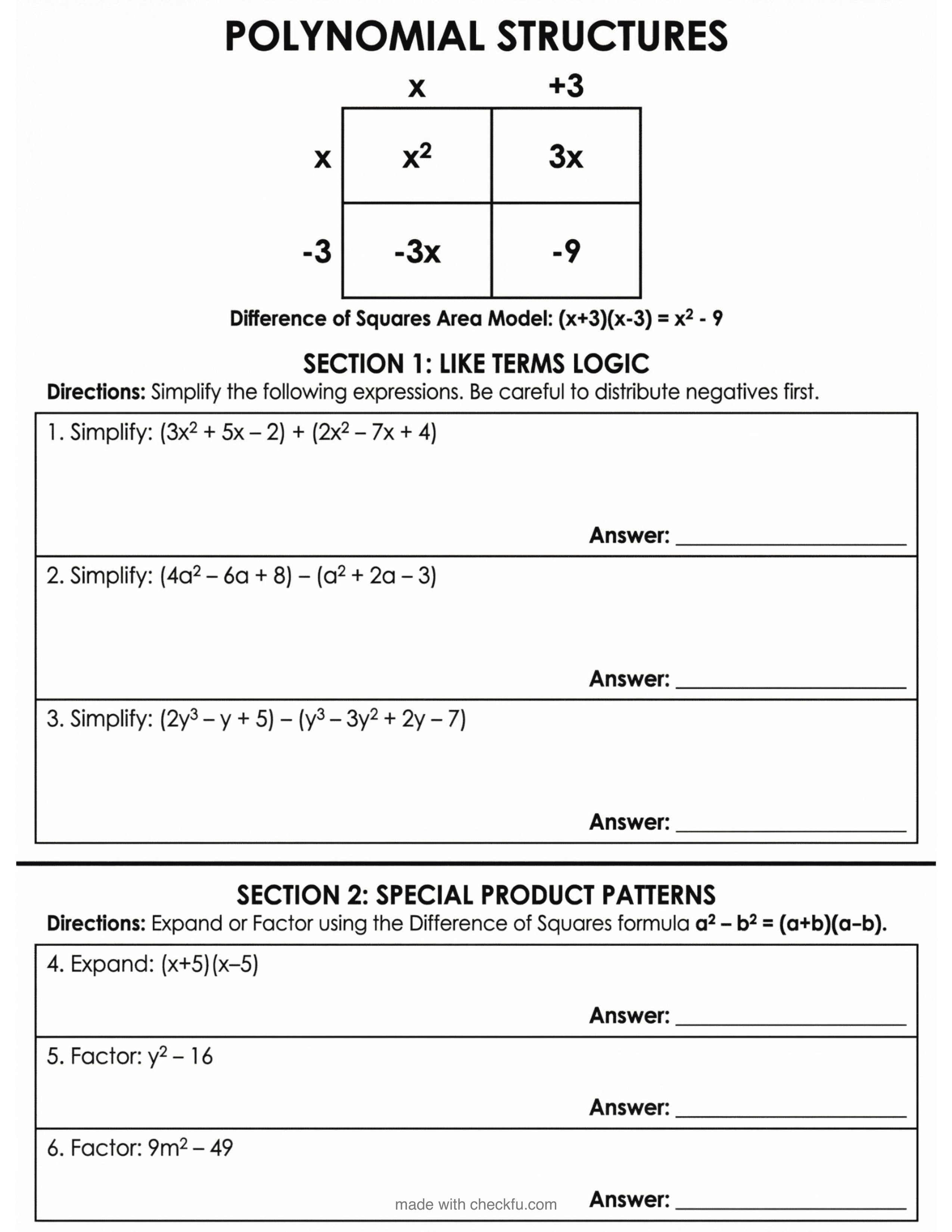
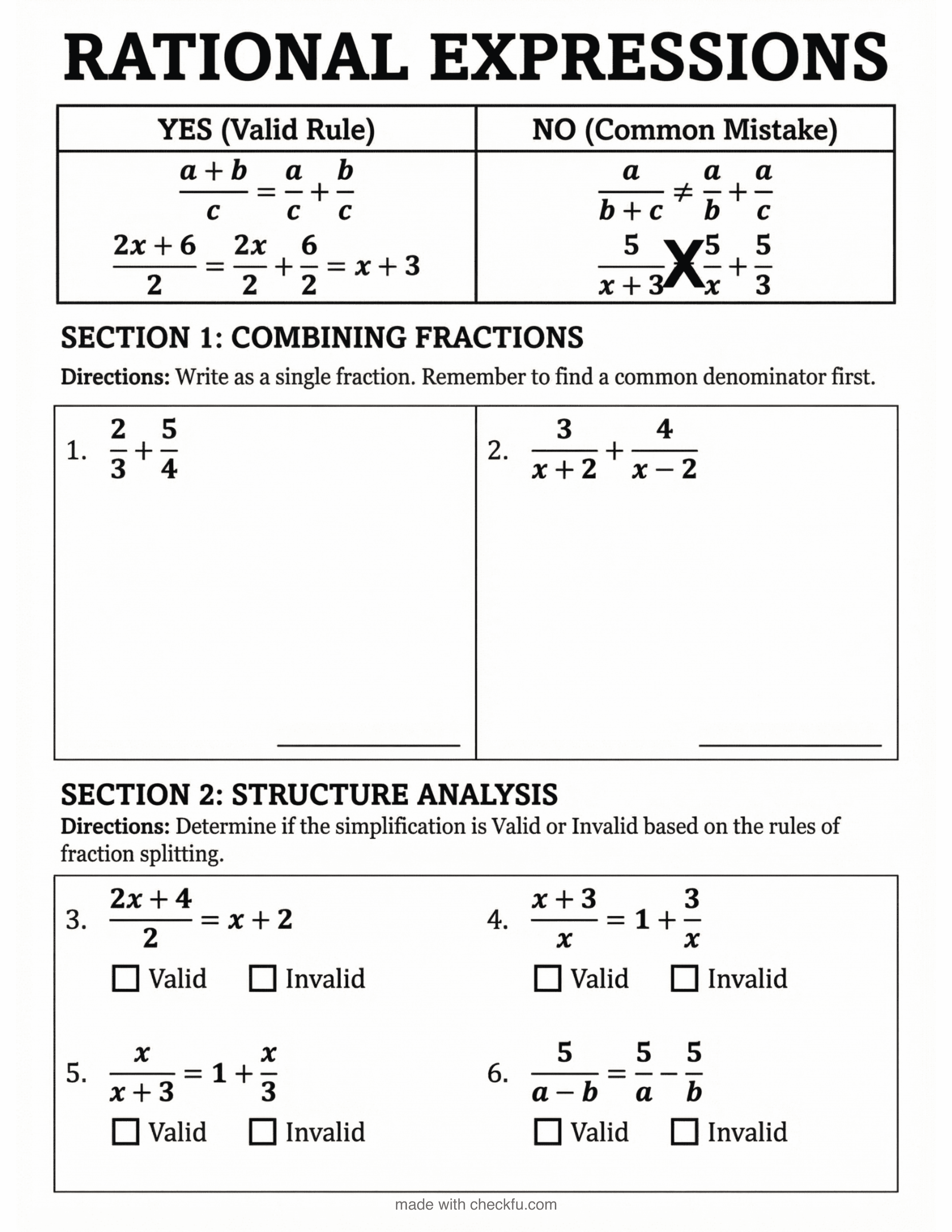
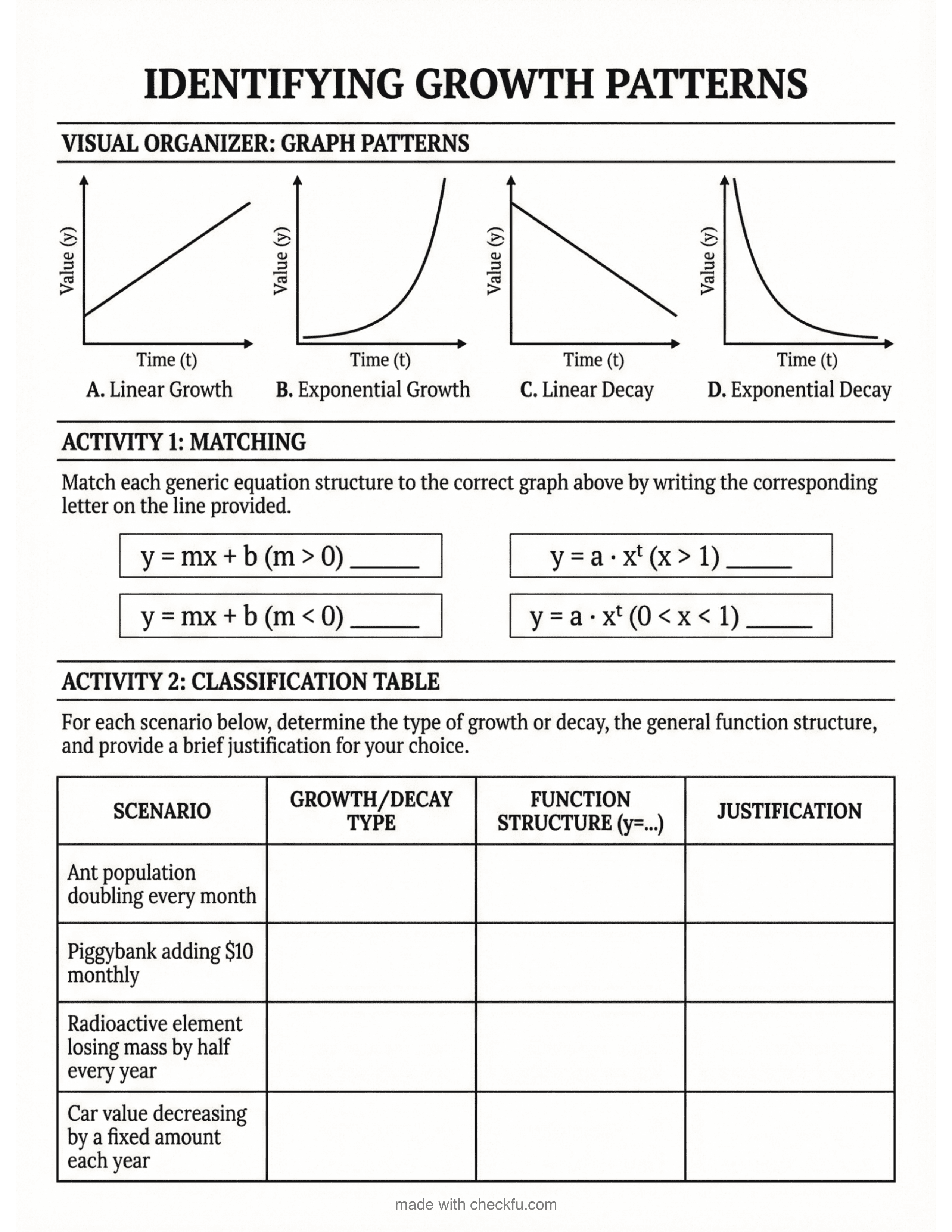
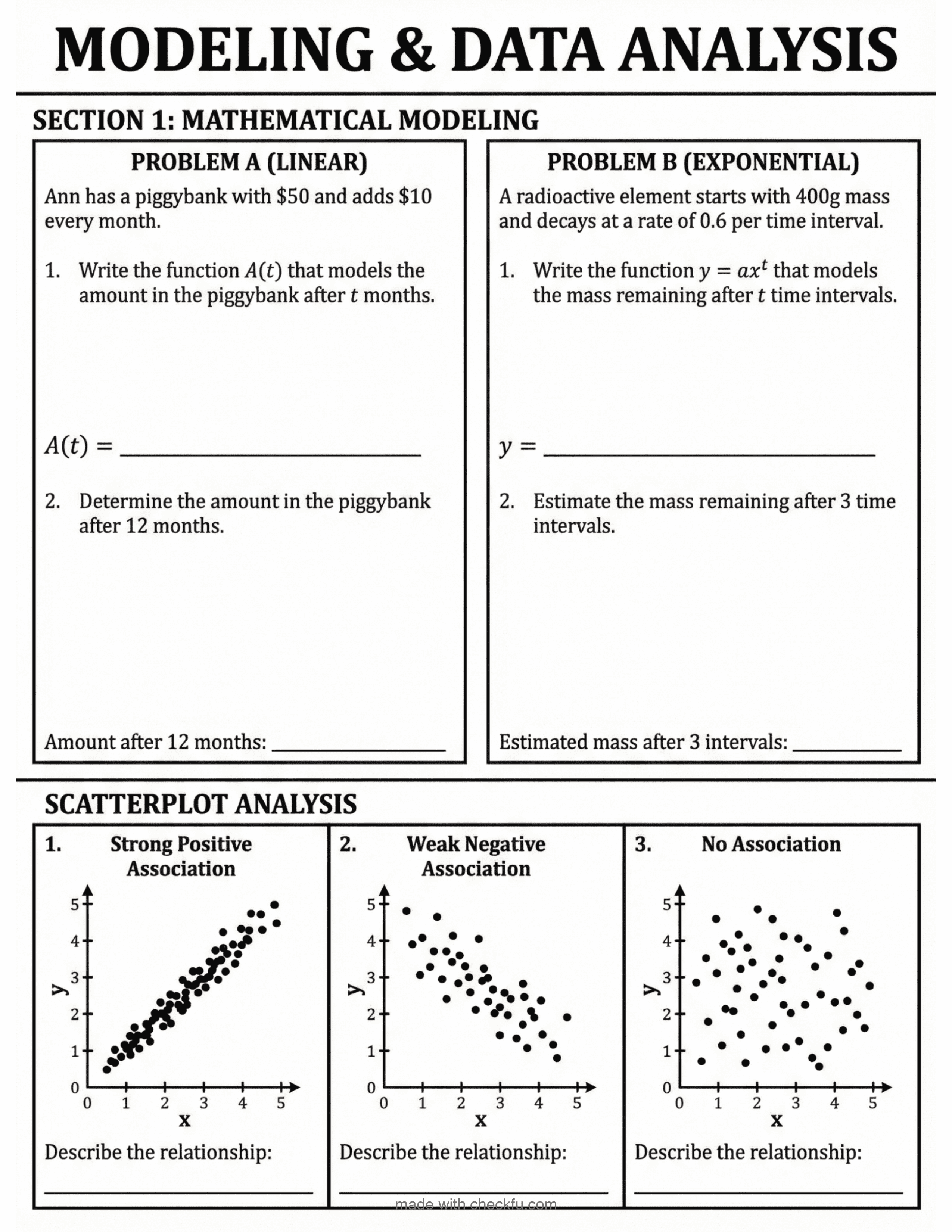
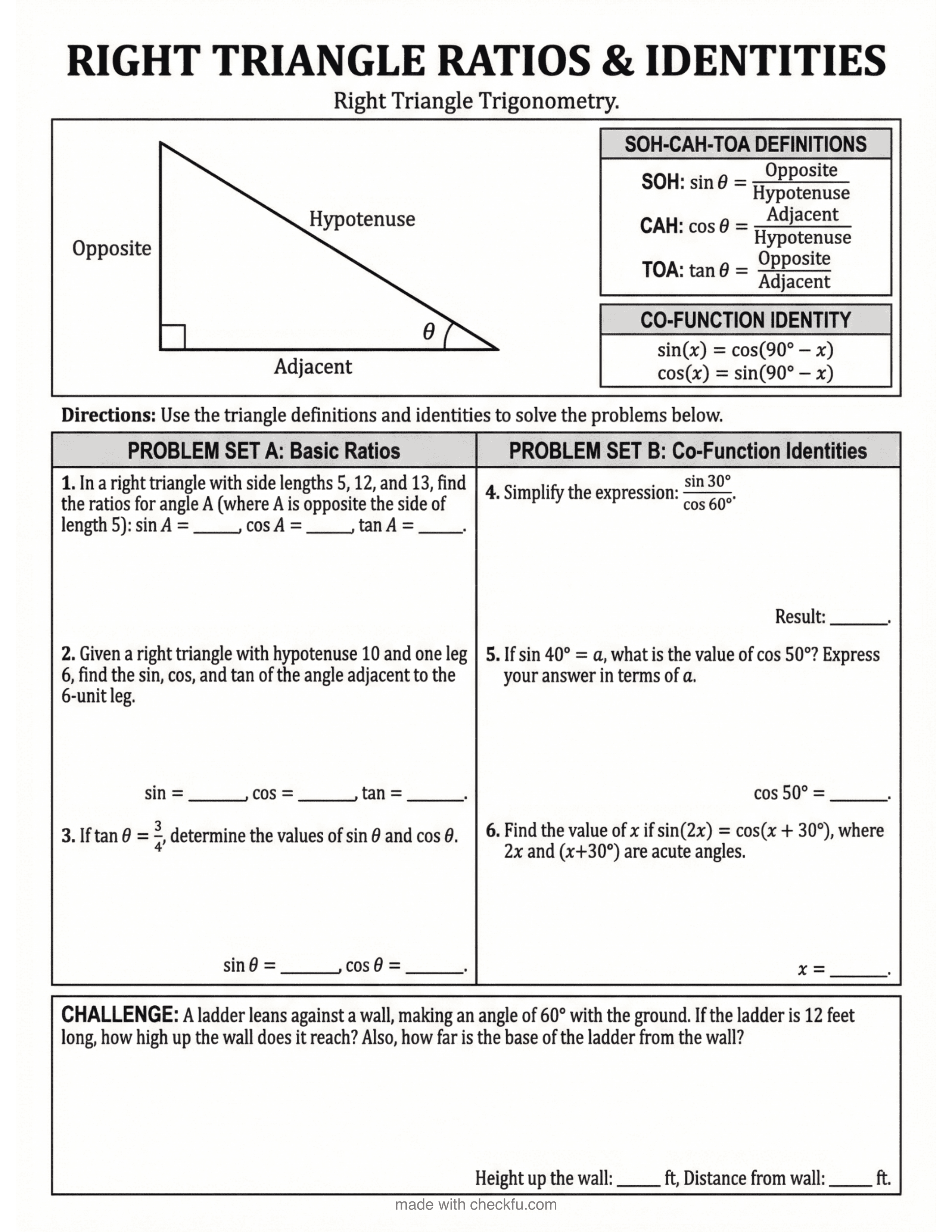
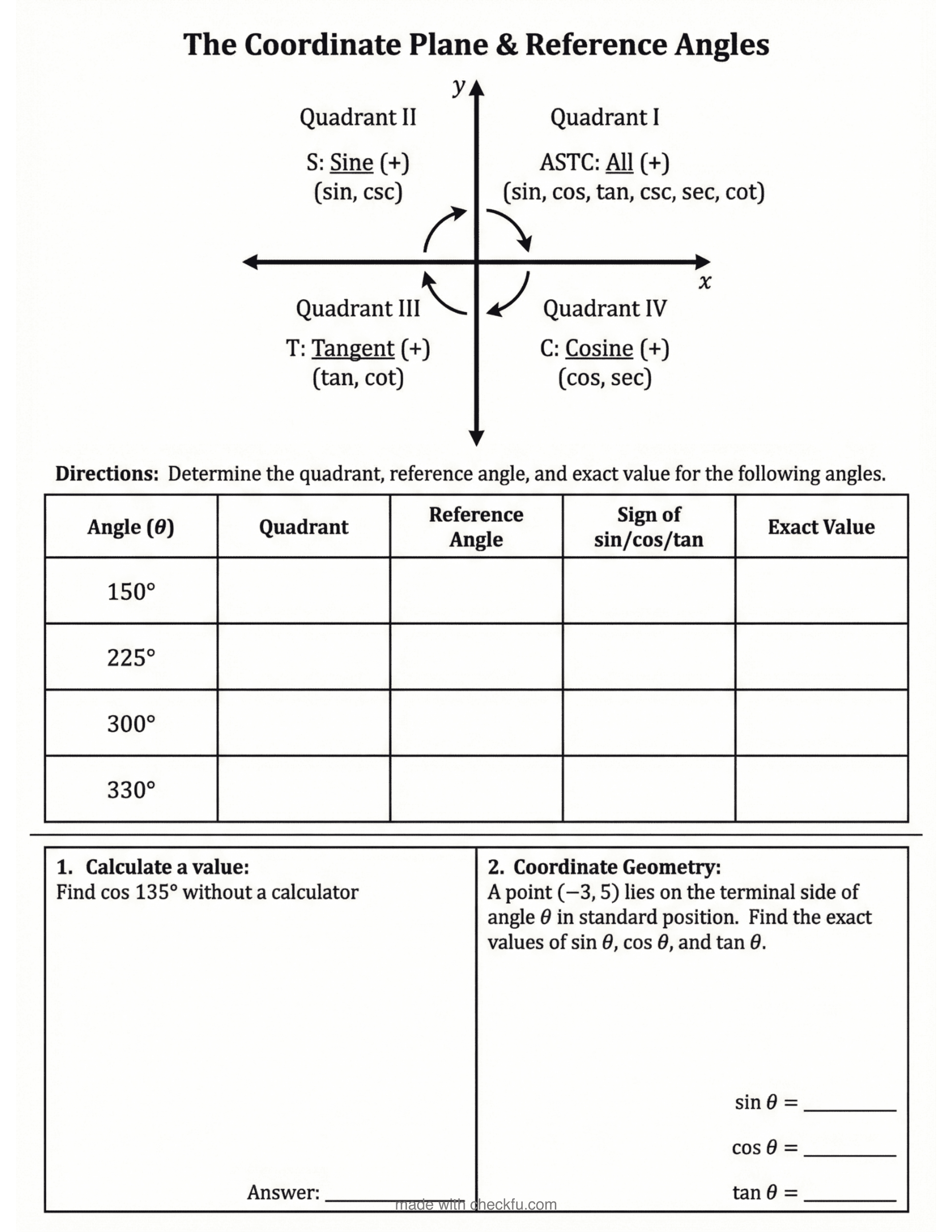
A teacher creating educational materials on their computer

Generate Worksheets and Slides in Seconds

Create professional teaching materials powered by AI. Brainstorm, generate, and edit with our visual editor.

01

Brainstorm

Chat with AI to plan your materials. Describe what you need and get suggestions for content, layout, and approach.

02

Upload Sources

Add documents, images, or lesson plans for context. The AI uses your sources to generate relevant, on-topic materials.

03

Generate

Create worksheets or slides instantly. AI produces complete, ready-to-use materials based on your specifications.

04

Edit

Refine in our visual editor. Customize text, images, and layout to match your teaching style.

05

Print

Export high-quality PDFs for class. Worksheets are formatted for standard letter paper with crisp text and clean layouts.

06

Share

Print copies for class or save PDFs to distribute however you prefer.

A teacher reviewing generated materials on their tablet
Material Types

Create What You Need

Worksheets
Portrait
Format optimized for printing
B&W
Black & white for easy copying
Slides
Landscape
Format for presentations
Color
Vibrant visuals for engagement
Variations
Multiple
Versions for differentiation
Levels
Adjust difficulty per student
Explore AI Tutoring
FAQ

Common Questions About Materials

What file types can I upload as sources?

You can upload PDFs, Word documents, images (PNG, JPG), and plain text files. These become context for AI generation, helping create materials that align with your existing curriculum.

How does AI generation work?

Describe what you need in natural language. The AI analyzes your request and any uploaded sources, then generates complete worksheets or slides. You can iterate with follow-up prompts to refine the output.

Can I edit generated materials?

Every generated material opens in our visual editor. You have full control to move elements, change text, adjust images, and customize the layout to match your exact needs.

How do I print worksheets?

Click the print button to generate a high-resolution PDF. Worksheets are formatted for standard letter paper with proper margins. You can print directly or save the PDF for later.

How are images generated?

Checkfu uses AI image generation to create clean, age-appropriate educational illustrations. Choose from styles like classic, anime, or detailed line art, all optimized for worksheets and presentations.

Can I use my own images?

You can upload your own images and place them anywhere in your materials. The editor supports drag-and-drop positioning and basic image editing like cropping and resizing.

Read the Docs